Modern organizations rely on network and IT infrastructure for almost every business function, from cloud applications and VoIP phone calls to security cameras and remote collaboration. As data volumes grow and digital services proliferate, a poorly designed network quickly becomes a bottleneck. Building future‑proof infrastructure means designing and implementing cabling, equipment, and architecture that can support tomorrow’s bandwidth demands and technologies.
This guide outlines the core principles of network and infrastructure design, highlights common pitfalls, and explains why investing in proper planning and quality components pays off. It also links to Aspen’s existing articles on structured cabling, fiber connectivity, and installation mistakes for deeper reading.
Why future‑proof network design matters
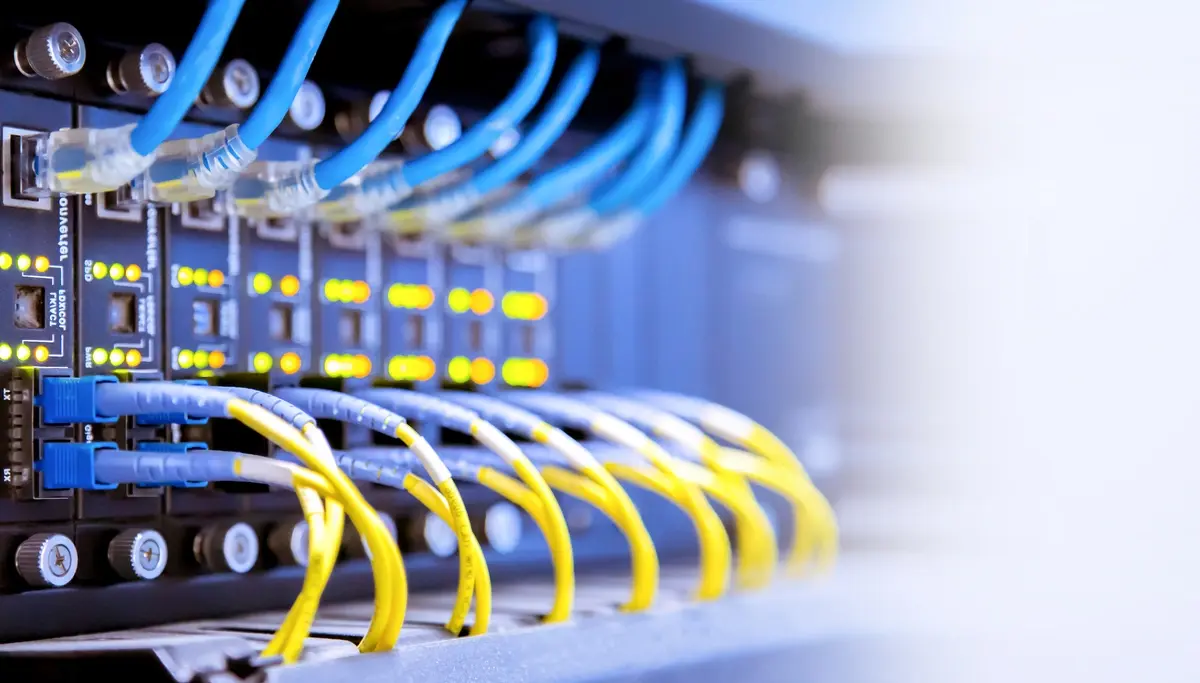
A future‑ready network must be scalable, reliable, and secure. Businesses adopting cloud computing, artificial intelligence, and IoT devices need higher bandwidth and lower latency. Structured cabling helps reduce clutter and interference, supports high-speed data transmission, and simplifies upgrades. Conversely, networks built with inexpensive materials or ad-hoc wiring often suffer from crosstalk, connection failures, and costly downtime. Thoughtful design at the outset, therefore, saves time and money in the long term.
Key principles for future‑proof network & infrastructure design
1. Plan for scalability
Design a network that can grow with your business. Assess current and projected user counts, data volumes, and device types to inform future planning and decision-making. Leave sufficient capacity in cable trays and racks, and select cabling that supports higher data rates (e.g., Cat6A for copper or single-mode fiber). Planning for growth avoids costly rip‑and‑replace projects later.
2. Use high‑quality materials and certified installers
Cheap cabling and connectors may work initially, but often degrade quickly or introduce interference. Aspen explains that structured cabling should utilize high-quality materials and adhere to industry standards to maintain signal integrity. Hiring certified professionals (e.g., BICSI-certified installers) ensures that cables are properly terminated, labeled, and tested to ensure optimal performance. Aspen Communications’ technicians are trained to meet these standards and back their work with warranties.
3. Follow industry standards and best practices
Standards such as TIA/EIA‑568 for structured cabling define cable categories, connector pinouts, and installation practices. Adhering to these ensures interoperability and consistent performance. Aspen notes that complying with standards and using professional design services are essential factors in reliable cabling. When planning fiber runs, industry guidelines recommend coordinating routes, fiber counts, and topology, and following ANSI/TIA and NEC safety standards.
4. Design cable routing and management
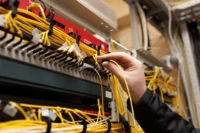
Messy cables hinder troubleshooting and increase the likelihood of interference. Plan horizontal and vertical pathways to ensure that cables are neatly routed, securely fastened, and separated from electrical wiring. The fiber-routing guidelines from Aspen emphasize assessing building needs, selecting suitable cable types, planning for scalability and redundancy, and utilizing protective conduits to safeguard cables from damage. Proper documentation and labeling simplify future moves, adds, and changes (MACs).
5. Build in redundancy and reliability
Avoid single points of failure. Redundant core switches, backup power supplies (UPS), and diverse fiber routes ensure that if one component fails, network services continue uninterrupted. Use resilient topologies, such as star, mesh, or ring, so that traffic can reroute around faults. Implement monitoring to detect faults early and schedule preventive maintenance.
6. Segment and secure your network
As cyber threats proliferate, network design must include security from the ground up. Segment the network into VLANs or subnets to contain breaches, and deploy firewalls and intrusion detection systems at critical junctions. Multi‑factor authentication and encryption help protect data as it travels across the network. Regular vulnerability assessments and updates keep infrastructure resilient.
7. Test, document, and maintain
Cables and hardware should be tested after installation to ensure they meet performance specifications. Aspen’s best‑practice list warns that failing to test cables and document the network is a common mistake. Keep detailed records of cable types, lengths, connection points, and test results. Scheduled maintenance and periodic re‑certification keep your network running optimally.
Common pitfalls to avoid
- Using the wrong cable type: Choosing the wrong category or mixing single‑mode and multimode fiber leads to performance issues. Match cable type to application and distance.
- Poor cable management: Tangled cables hinder airflow and make troubleshooting difficult. Route and bundle cables neatly and secure them in trays or raceways.
- Running network cables too close to power lines: Electromagnetic interference from power cables can degrade signal quality. Keep network cables in separate conduits or maintain separation distances.
- Skipping testing and documentation: Failure to test every link and keep detailed records makes it harder to identify issues later. Use certification testers and label everything.
- Ignoring future growth: Overloading cable trays and failing to plan for scalability results in early obsolescence and expensive rework.
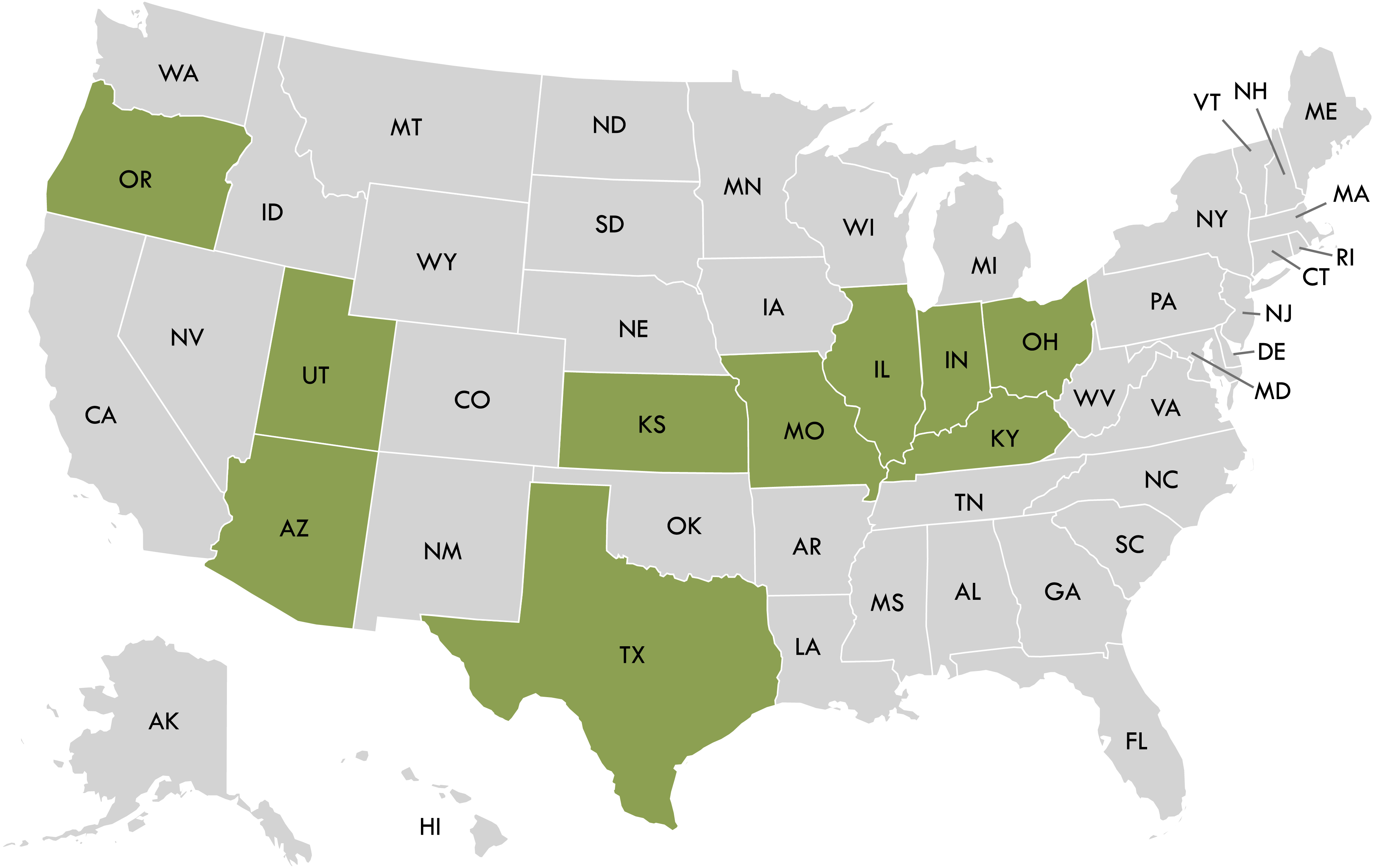
Local considerations for Northern Arizona businesses
Northern Arizona’s high elevations and desert climate pose unique challenges. Temperature extremes, freeze–thaw cycles, and dust can cause stress to cabling and hardware. When designing infrastructure for Flagstaff or Prescott:
- Use outdoor‑rated or armored fiber for runs between buildings, and bury cables deep enough to avoid frost heave.
- Protect equipment from dust and moisture by choosing sealed enclosures and climate‑controlled racks.
- Plan for remote sites and long distances; fiber optic lines are ideal because they support longer runs without signal degradation and are immune to electromagnetic interference.
- Coordinate with local utility providers for conduit usage and right‑of‑way planning.
Conclusion
Future‑proofing your network and IT infrastructure is an investment in your business’s resilience and productivity. By planning for scalability, utilizing high-quality materials, adhering to recognized standards, incorporating redundancy, implementing robust security, and maintaining thorough documentation, you can build a network that supports tomorrow’s technologies. Avoid the common pitfalls outlined here and leverage the expertise of certified professionals, such as Aspen Communications. Your business will be ready for whatever comes next.
Frequently asked questions (FAQs)
1. What makes a network “future‑proof”?
A future‑proof network is designed to accommodate technological advances and growing data volumes without major overhauls. It uses high‑quality cabling, follows industry standards, includes redundancy and scalability, and is thoroughly tested and documented.
2. Which cabling should I choose, copper or fiber?
Copper cabling (Cat5e, Cat6, Cat6A) is cost‑effective for short distances and legacy devices, but fiber optic cables offer higher bandwidth, longer distances, and immunity to electromagnetic interference. For future‑proof networks, single‑mode or multimode fiber is usually recommended.
3. How do I ensure my network can scale with my business?
Assess current and projected needs, leave spare capacity in trays and racks, and choose cabling that supports higher speeds. Design modular and redundant topologies so that new devices or departments can be added without disrupting existing services.
4. Why is documentation so important?
Documenting cable routes, connection points, and test results simplifies troubleshooting and future upgrades. Without documentation, technicians may have to trace cables manually, increasing labor costs and downtime.
5. Can Aspen Communications help design and install my network?
Yes. Aspen Communications’ engineers are trained in BICSI standards and can design, install, and maintain structured cabling, network hardware, and security systems. They provide warranties on materials and workmanship and tailor solutions to Northern Arizona’s unique environment.